
Live streaming lets remote viewers watch event content as it happens, recording preserves the session, and on-demand content makes selected material available later. Beginners should treat these as planning decisions, not last-minute technical add-ons.
Streaming Basics to Know First
- Decide early which sessions should be live, recorded, repurposed, private, or excluded.
- Plan accessibility, speaker permissions, platform needs, backup internet, audio quality, and content rights before production day.
- On-demand value depends on clean recordings, clear metadata, release rules, and a review process after the event.
The Three Terms Beginners Should Separate
Live streaming, recording, and on-demand content are related but not identical. Live streaming is real-time distribution. Recording is the capture of audio and video. On-demand content is edited or hosted material that people can access later. A team can do one, two, or all three, but each choice creates different responsibilities.
Beginners often assume that recording a session automatically creates a useful on-demand library. It does not. Useful on-demand content needs clean audio, speaker permission, usable slides, captions or transcripts where required or expected, topic labels, file storage, review workflows, and a publishing plan.
If your event is fighting registration drop-off, connect media decisions to attendee onboarding. The internal article on fixing attendee onboarding explains how clear expectations can influence attendance.
Start With the Decision Matrix
List every session and decide its content status: live only, recorded only, live plus recorded, on-demand after review, internal archive only, or not captured. This protects the team from making broad promises before permissions, budget, platform rules, and speaker preferences are clear.
Some sessions may include sensitive discussion, audience Q&A, copyrighted material, confidential information, medical or legal topics, sponsor restrictions, or participant privacy concerns. Those factors can change whether recording is appropriate. Teams should not assume all sessions can be republished.
When vendors support streaming or recording, define capture rights, file delivery, editing scope, storage, captions, turnaround, and ownership in the agreement. The internal guide on sourcing vendors and stronger contracts can help frame those details.
Audio Quality Is the Beginner Priority
Viewers may forgive a simple camera angle, but they rarely tolerate poor audio for long. Microphone choice, room noise, speaker habits, audience questions, and remote platform settings all influence whether the content is usable. For beginners, audio planning should receive more attention than decorative video details.
Test every microphone path. Confirm who controls mute, who monitors levels, how audience questions are captured, and what happens if a microphone fails. If the room has music, applause, or networking noise, do not assume the camera microphone will be enough.
Accessibility should be planned early. The W3C explains captions and subtitles as text alternatives for audio and video media, and its live captions guidance describes real-time captions for synchronized media.
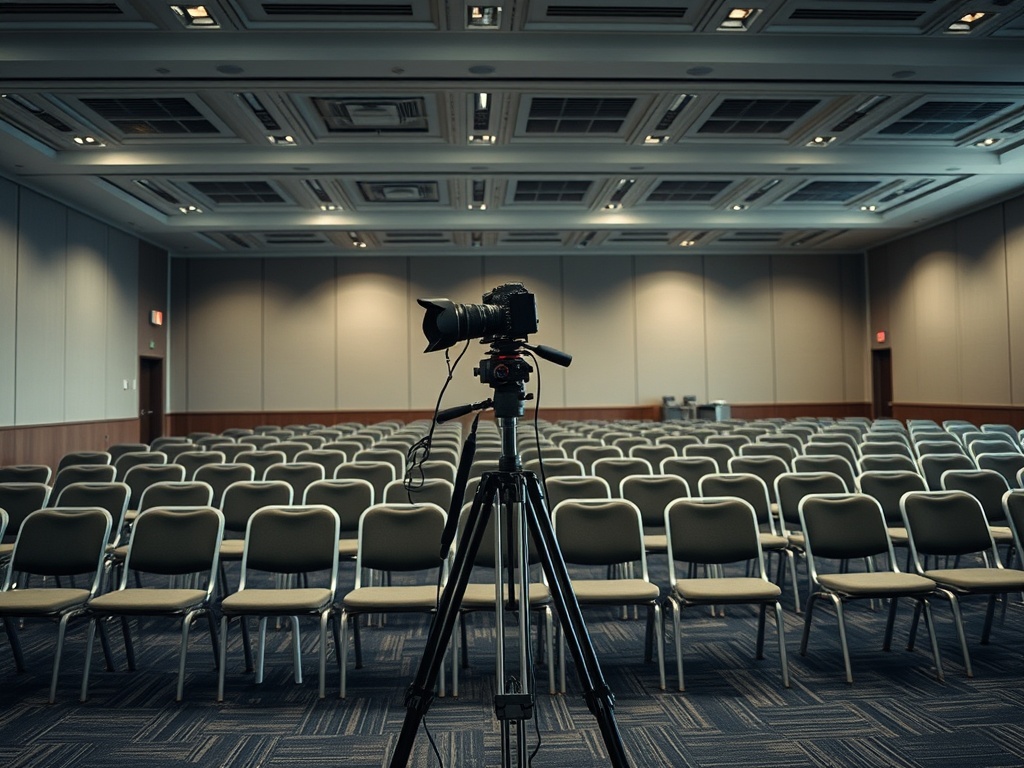
Beginner Decision Table
| Choice | Use When | Beginner Watchout |
|---|---|---|
| Live only | Real-time participation matters most | Requires stable access and active moderation |
| Recorded only | Content capture matters more than live reach | Needs permissions and clean audio |
| Live plus recording | Remote access and later reuse both matter | Requires more testing and clearer attendee language |
| On-demand library | Content has ongoing educational value | Needs review, captions, metadata, and publishing rules |
Live Stream Risks to Plan Around
The most common live stream risks include unstable internet, untested links, poor audio, speaker slides that are unreadable online, unclear moderation, platform access problems, time zone confusion, and no backup communication channel. Beginners can reduce risk with rehearsals and a simple run-of-show.
A technical rehearsal should test the real platform, real devices, real microphones, real internet connection, and actual speaker flow. A content rehearsal should test introductions, transitions, slide handoffs, Q&A, and closing instructions. Both matter.
Avoid guaranteeing that a stream will always be available. Platform outages, local connectivity, weather, power, venue restrictions, and rights issues can affect delivery. Use accurate language such as 'planned livestream' or 'recording availability subject to review' when appropriate.
Turn Recordings Into Decisions
Recordings can support better event decisions when the team reviews what the content reveals. Which sessions produced the most engagement? Which speakers generated follow-up? Which topics deserve a deeper event? Which clips explain the event value for future promotion? Which questions showed audience confusion?
Before recordings become assets, create a review checklist covering permissions, privacy, audio quality, visual quality, captions, sensitive content, sponsor obligations, filenames, metadata, and publishing sequence. The internal event repurposing checklist gives teams a practical structure for this stage.
On-demand content is most useful when it supports a next action, such as registering for another session, sharing a training module, briefing internal teams, or giving sponsors approved proof of participation.
Build a Small System Before Scaling
A beginner team does not need a broadcast studio for every event. Start with a clear content plan, reliable audio, stable internet, a tested platform, speaker releases, basic accessibility planning, and a realistic review process. Then improve based on event size and audience expectations.
Document what worked after each program. Note equipment issues, platform questions, attendance behavior, caption needs, editing time, storage problems, and content performance. This helps the next event become smoother without relying on one person's memory.
The first goal is not cinematic perfection. It is dependable capture of useful content in a way that respects attendees, speakers, and event promises.
Production Notes Beginners Should Document
A simple production notebook can save future teams many hours. Record the platform used, internet setup, microphone plan, camera placement, staff roles, rehearsal notes, caption process, file naming rules, and the person responsible for final storage. Beginners often skip this step because they are focused on getting through the first event.
The notebook should also capture what failed. A delayed link, weak microphone, confusing speaker handoff, or missing release form is not embarrassing when it becomes a documented improvement. It is far worse when the same problem returns at the next event because nobody wrote it down.
After two or three events, these notes become a practical standard operating procedure for live and recorded content.
Access and Rights Before Recording Day
Beginners should confirm speaker releases, recording notices, platform access, consent language, and content restrictions before cameras are active. This protects the team from promising a public replay that cannot be published later.
Rights review also affects editing. A session with third-party video, copyrighted music, private audience comments, or confidential slides may need to be excluded from on-demand use or edited carefully. Deciding this early avoids disappointment after production money has already been spent.
Build the Media Plan Early
Live and recorded content should be part of event strategy, not a final technical errand. Decide what you will capture, why it matters, and how it will be reviewed before the event begins. This content is informational and educational only and does not constitute legal, financial, travel, immigration, accessibility, privacy, or contractual advice. Verify platform, consent, rights, and event details with official organizers and qualified advisors.